What Texas Homeowners and Businesses Should Know Before Installing Security Cameras in 2026
Packages Pile Up. Homes Sit Empty. Here’s How Lake Travis and Austin Homeowners Stop Both. Most br


Security Consultant Pros primarily installs Alarm.com access control because it gives business owners a clean, modern way to manage doors, employees, schedules, and activity from one easy-to-use system.
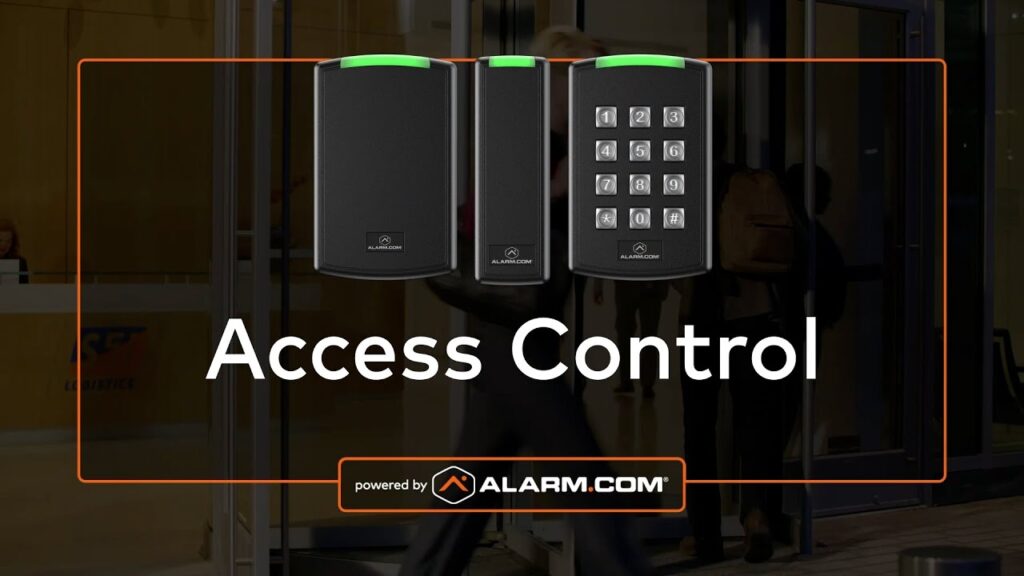
If you are still dealing with physical keys, scattered door hardware, or a system that is difficult to manage, Alarm.com access control is a major step up. It is cloud-based, straightforward to use, and gives you better visibility into who came in, which doors were used, and what is happening at your business in real time. It also works well as a standalone access control system or as part of a complete Alarm.com security and video setup.
Alarm.com is a strong fit for small and medium-sized businesses that want professional access control without the complexity of older enterprise-style systems. From the mobile app or customer website, you can remotely lock and unlock doors, manage users, assign schedules, and review activity from almost anywhere. Because it is part of the broader Alarm.com business platform, it can also work alongside intrusion, video, and automation in one connected system.
Alarm.com access control is a strong option for businesses that want better control over who can enter, when they can enter, and how access is managed without dealing with the limitations of keys or older standalone systems. It works especially well for businesses that want remote management, clear activity history, and a system that can grow with them.
Alarm.com access control is designed for everything from small businesses with a single door to larger multi-location operations, and it is commonly used in environments that need centralized user management, scheduled access, and clear visibility into activity across one or more sites.
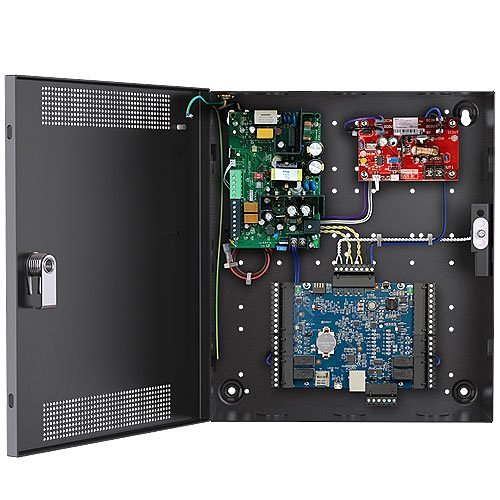
One of the biggest advantages of Alarm.com access control is that it is built for day-to-day usability. Business owners and managers do not need to learn a complicated software platform just to handle basic changes. The features people use most often are available right from the Home page and the User Access tab.
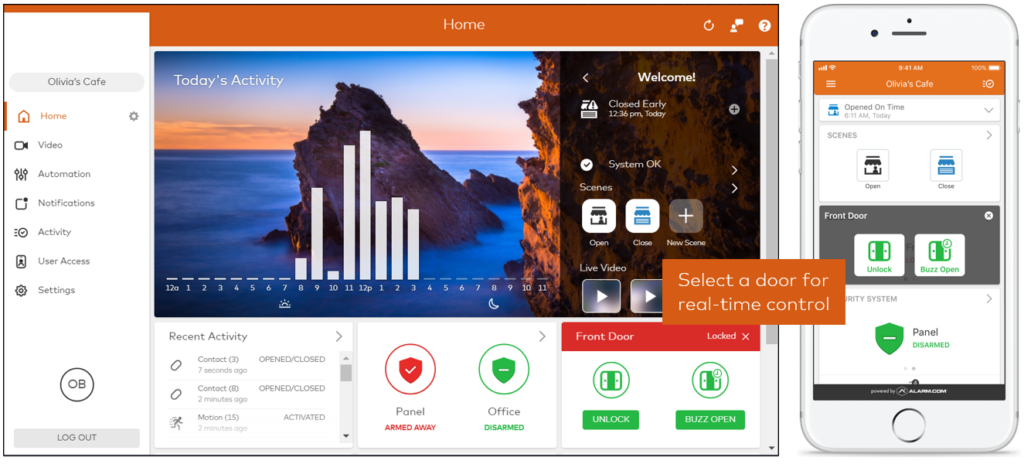
The Home page gives you quick control over doors, scenes, and recent activity. If you need to unlock a door, buzz someone in, or check what just happened, you can do it from one central place.
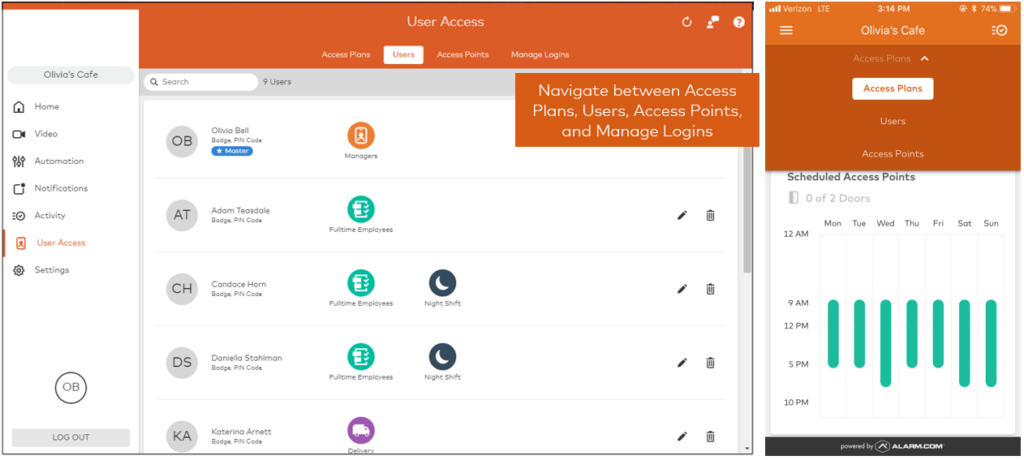
The User Access tab is where the system is configured and managed. This is where you work with Access Plans, Users, Access Points, and login permissions. It is the control center for deciding who can go where and when.
Access Plans are one of the most useful parts of the system because they let you organize permissions in a simple, logical way. Instead of managing every user one by one, you can create plans based on job role, location, department, shift, or schedule.

Alarm.com access control is a smart option for businesses that want a system they can start with today and continue using as they grow. It is easier to manage than many legacy systems, easier to update when staffing changes happen, and easier to connect with intrusion and video if you want a more unified security setup later.
The software is only part of the equation. The hardware, door type, lock hardware, power requirements, request-to-exit devices, reader placement, and code compliance all matter. A professionally installed Alarm.com access control system helps ensure the system works properly, is easier to manage, and fits the way your business actually operates.
